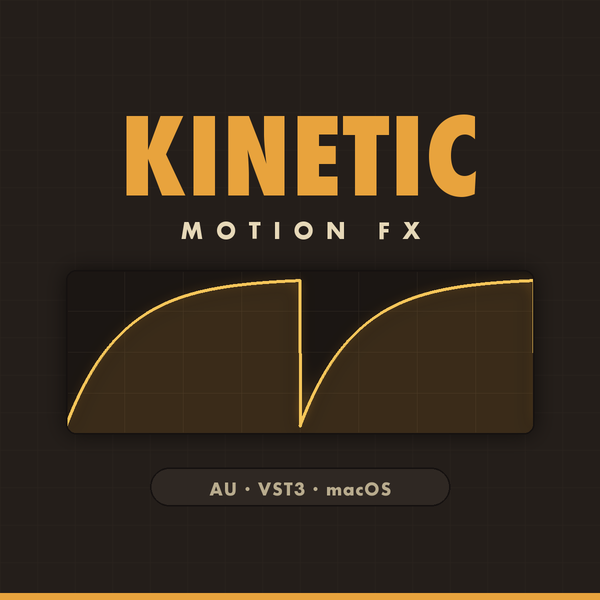
One curve per beat. Pumping, gating, tremolo and stutter without drawing a single automation point.
Instant download · 14-day refund · Terms · Privacy
Vanta runs one shape per note division and turns it into gain. Pick a curve, pick a rate, set DEPTH and MIX — that's the whole plugin, and it's the quickest route to a sidechain-style pump with no sidechain to route.
The curve display carries a neon playhead, so you can see exactly where in the bar the shape is and line it up against the kick in a couple of seconds.
Two presets, each played dry and then swept in, so you can hear what it does rather than watch knobs move. The actual plugin window — not a mock-up, not a slideshow.
48 shapes in banks — CORE, DRIFT, FRACTURE, ORBIT, VOID and SIGNAL.
13 note divisions. In FREE mode the selector becomes a Hz knob.
SYNC locks the curve's phase to the host timeline; MIDI retriggers it on note-on; FREE runs at its own rate.
How far the curve pulls the gain, and how much of the shaped signal you hear.
Rounds the curve's edges when a hard gate is too abrupt.
Slides the whole shape against the beat.
Locked to the timeline, played from a MIDI clip, or free-running at its own Hz for effects that shouldn't obey the grid.
Neon on true black, with the curve and its playhead as the only thing competing for your attention.
MIDI triggering means the AU registers as a music effect, so in Logic you'll find Vanta under MIDI-controlled effects. The VST3 loads as an ordinary insert.
The same take, before and after. Hit play, then flip between the raw signal and the plugin doing its thing — no reload, no gap.
Original shapes, grouped by character rather than by genre.
Save your own alongside them — they land in your user folder and survive updates.
On Mac, unzip and drop the .component into
~/Library/Audio/Plug-Ins/Components and the .vst3 into
~/Library/Audio/Plug-Ins/VST3. On Windows, copy the .vst3 into
C:\Program Files\Common Files\VST3. Then rescan in your DAW and it appears
under Award Audio Tools. A step-by-step INSTALL.txt is in the zip.
Yes — Vanta installs as a VST3 on both Mac and Windows. On Mac you also get an Audio Unit (AU) and a Standalone app in the same download. There is no VST2 build and no AAX build, so Vanta does not load in Pro Tools.
Anything that hosts VST3 or Audio Units — Ableton Live, Logic Pro, FL Studio, Cubase, Studio One, Reaper, Bitwig, GarageBand and Luna are all covered. Logic and GarageBand use the AU; the rest use the VST3. There's also a Standalone app on Mac if you just want to plug in and play without opening a DAW.
Both. The Mac build is a Universal binary that runs natively on Apple Silicon (M1 through M4) and Intel, on macOS 10.15 or newer, and it's Developer-ID signed and notarised by Apple, so there's no Gatekeeper warning. The Windows build is 64-bit VST3 for Windows 10 or newer. One purchase covers both — the zip contains the Mac and Windows builds together.
Vanta ships with 48 factory curves, grouped into 6 categories. You can save your own alongside them, and they travel with the project the same way any other plugin state does.
No. $29 a one-off purchase with no subscription, no iLok and no dongle — you download it straight after checkout, updates are free, and the licence covers the computers you own. Whatever you make with it is entirely yours.
On Mac, unzip and drop the .component into ~/Library/Audio/Plug-Ins/Components and the .vst3 into ~/Library/Audio/Plug-Ins/VST3. On Windows, copy the .vst3 into C:\Program Files\Common Files\VST3. Rescan in your DAW and it appears under Award Audio Tools. A step-by-step INSTALL.txt is in the zip.
Tempo-synced volume shaper — pump, gate, stutter.
Not what you expected? 14-day refund, no questions asked. Every plugin is a digital download for Mac and Windows, licensed for your own use on the computers you own — and whatever you make with it is entirely yours. By purchasing you agree to our Terms of Use & Software Licence and Privacy Notice.